How I use the 100 Clickables PDF to finish big creative projects
I made this because I had been looking for something exactly this straightforward.
Even if you already work with a very complex planning system, you can insert this sheet without friction.
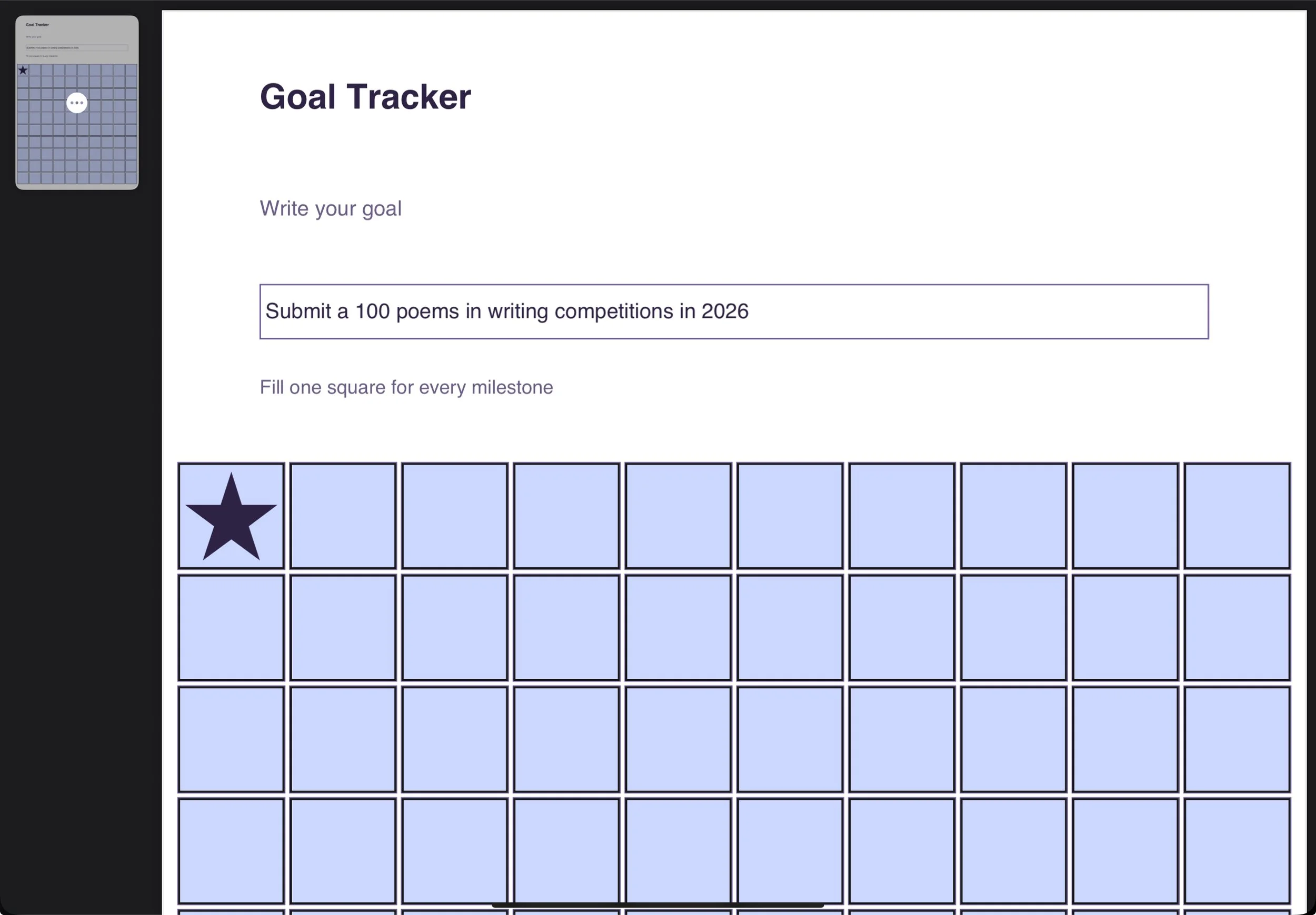
It is simply a 10 by 10 grid where you set one goal that consists of one hundred micro steps or actions.
Each box is clickable and you can reuse the PDF for multiple purposes.
There are three versions a diamond, a star, or a regular checkmark.
I made this because I had been looking for something exactly this straightforward.
You can keep your calendars, your task apps, your elaborate roadmaps, your notebooks, your Prime Rhythm cadence.
The Clickables layer sits on top of all of that and answers one very specific question.
How much have I actually done.
I use it for various goals, from editing books, to submitting to writing competitions.
That is especially useful if you are a content creator working across many platforms. Instead of drowning in scattered tasks, you can use the hundred Clickables to track overall output for a specific project or goal.
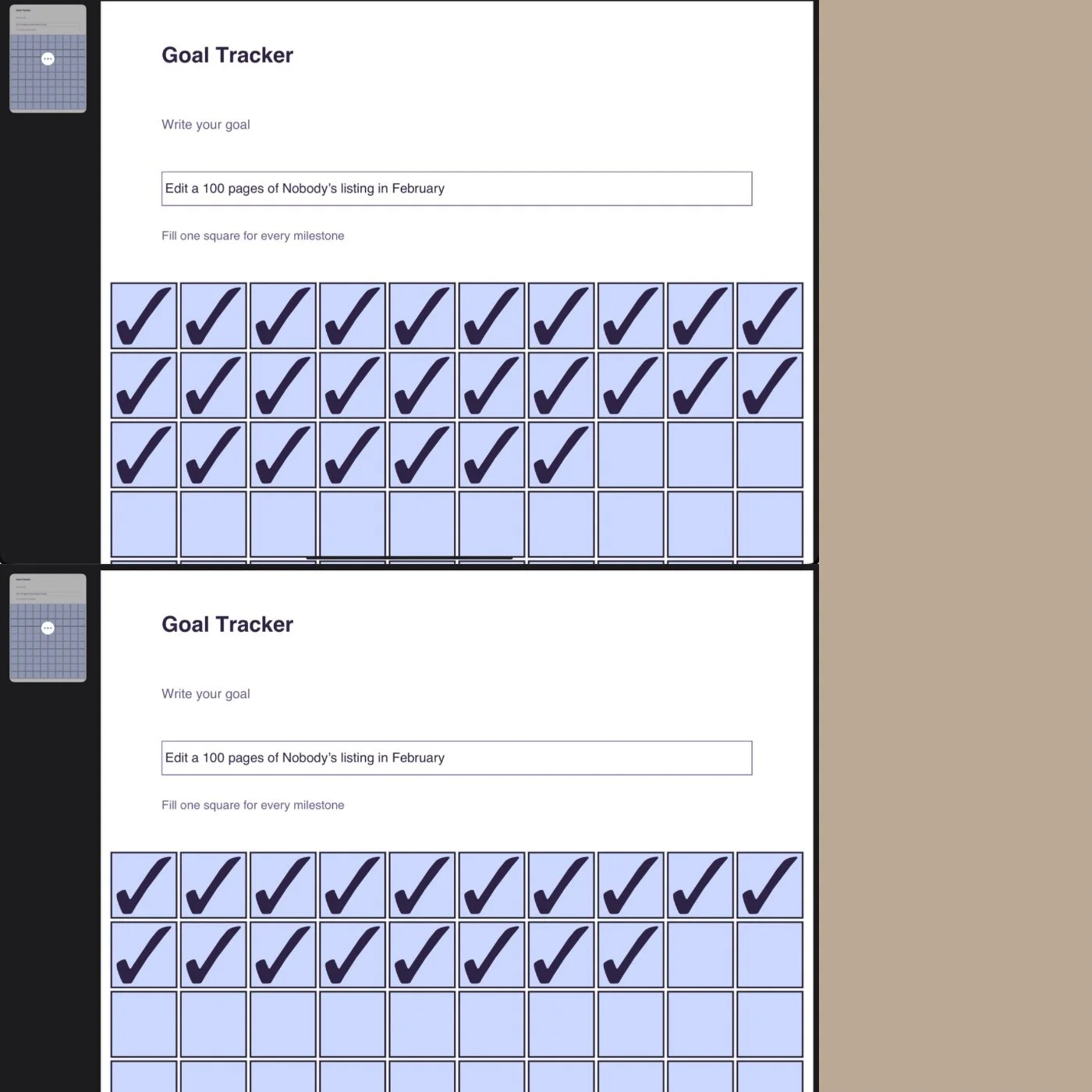
I also use it for the most labourish part of writing: editing work. I am currently editing a speculative thriller called Nobody’s Listening, a story with multiple layers that demand sustained concentration.
(Please click for a preview, Nobody’s Listing is part of the Fornicum series)
During editing I need to guard internal coherence, tone, and structure, which can easily feel overwhelming. Reducing that process to one hundred clear steps, such as editing one hundred pages of a specific story arc, keeps the work needed measurable.
This sheet sits inside my broader Prime Rhythm cadence, which I describe elsewhere. It does not replace that system, it complements it by making progress visible.
I built the Clickables in Python when I could not find anything comparable. I wanted something minimal, and easy to use that would work inside any workflow. If you are looking for a simple way to track your work, this PDF does exactly that.